

Get started with Creator Studio
Organize templates and materials, then submit them for publication.
Open Studio
- Sign in to the account you want to use.
- Open Creator Studio from My account.
- Read the participation information and required agreements.
- Use My assets and registration to review your work and prepare submissions.
Choose what to submit
Prepare a template when people should be able to change the text and photos in a design. Prepare a pack for a related set of images or icons. Useful, editable content matters more than an attractive title or preview alone.
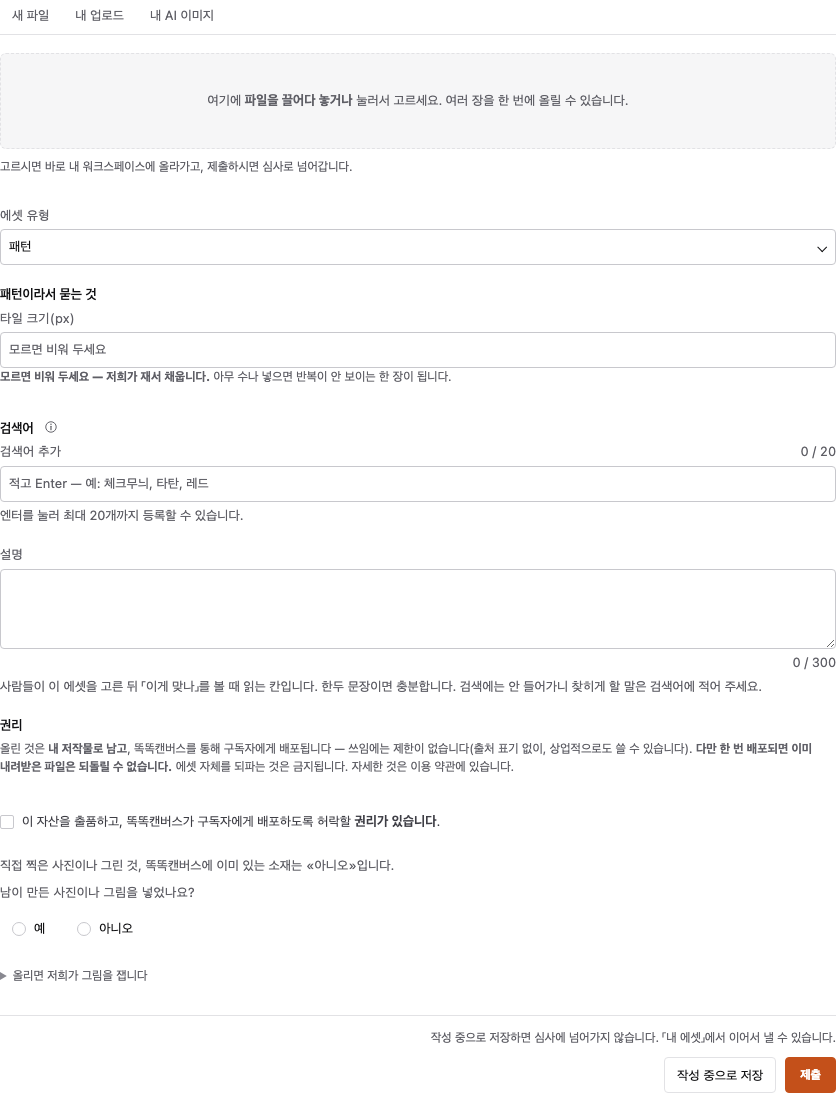
Submission is not publication
Check the review status after submitting. If changes are requested, revise the work and resubmit it. A submitted item does not immediately appear in the public catalog.
Check rewards and settlement terms
If rewards are available, read the current conditions shown in Studio. Credit rewards and cash settlement are different programs. Check the actual availability and eligibility information for Studio Pro and settlement.
Still need help?
Check common questions or contact support.